
 Stripe Climate Member

Plesk Hosting
Run Plesk on a CloudWave VPS — provisioned automatically in under 60 seconds, with hourly billing, a dedicated IPv4 and full control.
- Live in ~60 seconds
- Hourly billing, no lock-in
- Full root / admin access
- DDoS-protected network
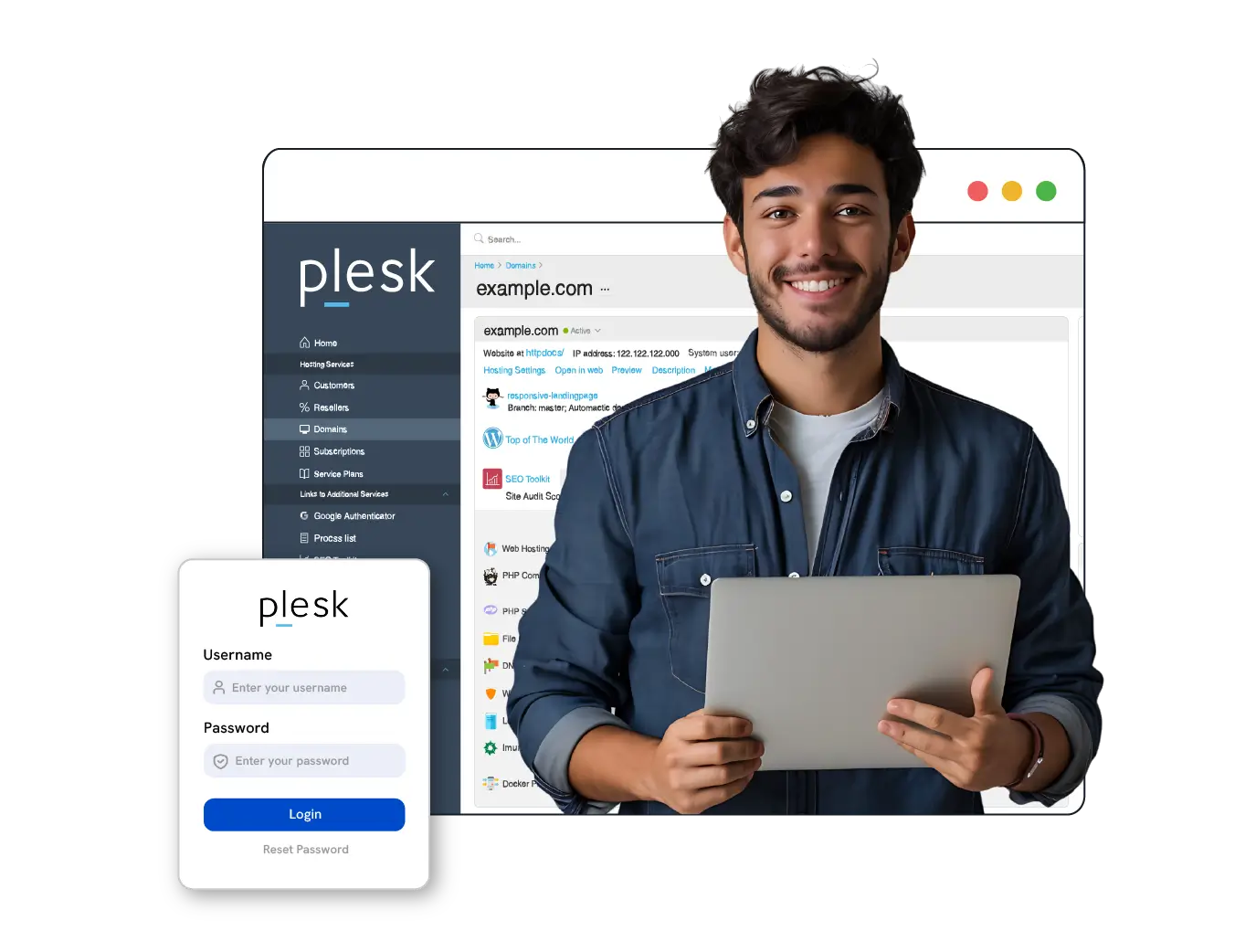
Plesk VPS plans
Pick the plan you want to run Plesk on, then choose a DigitalOcean region in the console. Plesk needs at least 25 GB disk to run, so smaller plans are not shown. Prices are per month and billed hourly.
Plesk is installed automatically as part of your DigitalOcean server — no manual setup. Every plan is billed hourly at 1/730 of the monthly rate. Deploy Plesk →
Ready for a server in Plesk?
Deploy in under 60 seconds — hourly billing, a dedicated IPv4 and full root access. No setup fee.
Plesk hosting
Plesk hosting on a CloudWave VPS gives you a complete web hosting control panel running on your own virtual private server, with plans starting at $9.88 per month across 12 configurations. Plesk lets you manage websites, domains, mail, DNS, databases and SSL certificates from a single dashboard, and on a CloudWave VPS you get the underlying server resources to match. Billing is hourly at 1/730 of the monthly price, so you can start or stop without a contract and with no setup fee. Provisioning is fully automated and your VPS is ready in under 60 seconds. Every plan includes a dedicated IPv4 address, IPv6, DDoS protection, full root and administrator access, and 24/7 support. Deploy from the CloudWave console at https://console.cloudwavebd.com and install Plesk on the server you control.
- Live in ~60 seconds
- Hourly billing, no lock-in
- Full root access
- DDoS-protected

Plesk hosting at a glance
| Application | Plesk |
|---|---|
| Starting price | $9.88 per month (billed hourly) |
| Available locations | 96 cities across 6 continents |
| Provisioning time | Under 60 seconds — instant, fully automated delivery |
| Installation | Installed automatically by our one-click app installer on a fresh Linux VPS |
| Access | Full root access (Linux) or administrator access (Windows) |
| Billing | Hourly — pay 1/730 of the monthly price for every hour the server exists; billing stops when you destroy it |
| Networking | Dedicated IPv4 included, IPv6 available, DDoS-protected network |
| Support | 24/7 engineer support via live chat, ticket and WhatsApp |
Includes in every plan
The same baseline on every Plesk server, from the smallest plan to the largest.
DDoS Protection
Datacenter-level mitigation filters attack traffic before it ever reaches your Plesk server.
99.99% Uptime
Redundant network paths and monitored hardware keep your workloads online.
Full Root Access
Complete control of your server — install any stack, firewall or panel you like.
Dedicated IPv4
Every plan ships with its own IPv4 address. Extra IPs can be added any time.
NVMe SSD Storage
Low-latency NVMe drives mean faster database queries and quicker page loads.
Instant Delivery
Your Plesk server is provisioned automatically, in under 60 seconds.
Why run Plesk on CloudWave
Deployed in Under 60 Seconds
Provisioning is instant and fully automated — your Plesk server is online about a minute after you order, with no manual setup step.
Hourly Billing, No Lock-in
Pay only for the hours the server runs. Ideal for Plesk projects that are temporary, seasonal or still being evaluated.
Full Root Access
Install packages, edit configuration files and tune the system exactly how Plesk needs it.
Choose Your Location
Deploy in the data centre closest to your users for the lowest possible network latency.
24/7 Engineer Support
Real engineers on live chat, ticket and WhatsApp, around the clock.
Security By Default
DDoS protection, isolated virtualisation and optional daily backups on every server.
Operating systems available
Pick your OS at deploy time and reinstall a different one at any moment from the console — no support ticket needed. Both Linux and Windows Server are fully supported on every CloudWave plan.
 AlmaLinuxAlmaLinux 10, AlmaLinux 10 base, AlmaLinux 10.1 64bits
 Alpine LinuxAlpine 3.24
 Arch LinuxArch Linux, Arch Linux latest minimal
 CentOS10 Stream x64, 9 Stream x64, CentOS 10
 Debian13 x64, Debian 10, Debian 11
 Fedora43 x64, 44 x64, Fedora 42 64bits
 FreeBSDFreeBSD 12.3, FreeBSD 13.3LinuxRescue system
microtikMicroTik RouterOS
nobleNoble LAMP, Noble LEMP
 openSUSEopenSUSE 16.0 base, openSUSE Leap 16
 Oracle LinuxOracle Linux 10.0 64bits, Oracle Linux 8.9 64bits, Oracle Linux 9.6 64bits
 Rocky Linux10 x64, 8 x64, 9 x64
 Ubuntu22.04 (LTS) x64, 24.04 (LTS) x64, 26.04 (LTS) x64
 WindowsWindows Server 2019, Windows Server 2019 (EN), Windows Server 2019 (ZH)
All CloudWave data centre locations
96 locations across 6 continents. Deploy the same stack in any of them — your console works everywhere.
 BaghdadIraq
 BahrainBahrain
 BangaloreIndia
 BangkokThailand
 DhakaBangladesh
 DohaQatar
 DubaiUnited Arab Emirates
 HanoiVietnamHo Chi MinhVietnam
 Hong KongHong Kong
 IslamabadPakistan
 IstanbulTurkey
 JakartaIndonesia
 KathmanduNepal
 Kuala LumpurMalaysia
 Kuwait CityKuwait
 ManilaPhilippinesMumbaiIndia
 Phnom PenhCambodia
 RiyadhSaudi Arabia
 SeoulSouth Korea
 SingaporeSingapore
 TaipeiTaiwan
 Tel AvivIsrael
 TokyoJapan
 YangonMyanmar
 AmsterdamNetherlands
 AthensGreece
 BarcelonaSpain
 BerlinGermany
 BirminghamUnited Kingdom
 BrusselsBelgium
 BucharestRomania
 CopenhagenDenmark
 DublinIrelandDusseldorfGermanyFalkensteinGermany
 FlorenceItalyFrankfurtGermany
 HelsinkiFinland
 KyivUkraine
 LisbonPortugalLondonUnited KingdomLondonUnited KingdomMadridSpain
 MarseilleFrance
 MoscowRussia
 NicosiaCyprusNurembergGermanyNørre AabyDenmark
 OsloNorwayParisFrance
 PragueCzech Republic
 SofiaBulgaria
 StockholmSweden
 TiranaAlbania
 ViennaAustria
 VilniusLithuania
 WarsawPoland
 ZurichSwitzerland
 AshburnUnited StatesAshburn, VAUnited StatesAtlantaUnited StatesChicagoUnited StatesDallasUnited StatesHillsboro, ORUnited StatesKansas CityUnited StatesLos AngelesUnited StatesMemphisUnited States
 Mexico CityMexicoMiamiUnited States
 MontrealCanadaNew YorkUnited StatesPortlandUnited StatesRichmondUnited StatesSalt Lake CityUnited StatesSan FranciscoUnited States
 San JuanPuerto RicoSeattleUnited StatesSilicon ValleyUnited StatesTorontoCanadaVancouverCanadaWashingtonUnited States


How to deploy Plesk in under 60 seconds
Instant provisioning and instant delivery — there is no manual setup or waiting period. Here is the whole process, start to finish.
- Open the CloudWave console
Sign in at https://console.cloudwavebd.com or create a free account — no sales call or approval step is required.
- Choose a location for Plesk
Pick the data centre closest to your users. The plan list immediately shows what is available and the exact price there.
- Select your plan
Choose the CPU, RAM and storage configuration your Plesk workload needs. You can move to a larger plan later without rebuilding.
- Add Plesk to the deployment
Plesk is installed automatically by our one-click installer once the server is created.
- Deploy — ready in under 60 seconds
The server is provisioned instantly and your access details appear in the console in about a minute. Hourly billing starts when it boots.
Explore CloudWave
Plesk hosting FAQs
The questions we are asked most about Plesk.
Does Plesk on a CloudWave VPS come pre-installed?
The plan provisions a VPS with root and administrator access in under 60 seconds, which is the environment Plesk runs on. You install Plesk on that server yourself, so you choose the edition and components that match your workload.
Can I run multiple websites and mail domains under one Plesk VPS plan?
Yes. Plesk is built to manage multiple websites, domains, mail accounts, DNS zones and databases from one panel, and the 12 available CloudWave plans differ in the server resources available to those sites. Because every plan includes a dedicated IPv4 and IPv6, each site or mail domain can be served from your own addresses.
What happens to my billing if I only need the Plesk VPS for a few days?
Billing is hourly at 1/730 of the monthly price, with no contract and no setup fee, so a shorter run costs only the hours used. You can stop the server when the work is done and deploy again from https://console.cloudwavebd.com when you need it.
How much does Plesk hosting cost?
CloudWave Plesk hosting starts at $9.88 per month and is available in 96 locations. Pricing is hourly, so you pay 1/730 of the monthly price for each hour the server runs, and nothing after you destroy it. There are no setup fees and no long-term contract.
How quickly can I deploy Plesk?
In under 60 seconds. Provisioning is fully automated and instant — the server is built the moment you place the order, and your access details appear in the CloudWave console almost immediately. No manual activation or waiting period.
How is Plesk installed?
Plesk is installed automatically by the CloudWave one-click app installer when your server is created. You choose the application during deployment and it is ready shortly after the server boots — no manual configuration or command-line setup is required.
Do I get full root access to run Plesk?
Yes. Every Linux server includes full root access and Windows servers include administrator access, so you can install packages, change configuration files, open ports and tune the system exactly as your workload needs.
Can I run Plesk on Windows?
Windows Server is available on CloudWave VPS plans if your Plesk deployment requires it. Most Plesk installations run on Linux, which is usually cheaper because it needs fewer resources.
What is included with every Plesk server?
Dedicated vCPU and RAM, NVMe SSD storage, a dedicated IPv4 address, IPv6 availability, DDoS protection, full root or administrator access, console power and reinstall controls, and 24/7 engineer support.
Can I scale my Plesk server later?
Yes. You can move to a larger CPU, RAM or storage configuration as your workload grows. Your data stays on the same infrastructure, so scaling up does not mean rebuilding your server from scratch.
Which locations can I deploy Plesk in?
CloudWave offers 96 data-centre locations across 6 continents, including Asia, Europe, North America, South America, Africa and Oceania. You can pick the location closest to your users during deployment, and the same console manages every region.
Is hourly billing available for Plesk?
Yes. Every CloudWave server is billed hourly regardless of the application or operating system you run. This makes Plesk ideal for short-term projects, testing, migrations and workloads that only need to run part of the time.
Which payment methods do you accept?
Credit and debit cards, PayPal, Stripe, bKash and bank transfer. Top-ups are instant, so you can add credit and deploy your Plesk server within minutes.
Deploy Plesk now
Live in about 60 seconds. Hourly billing, full root access, cancel any time.